

Setting Up Your Live Sound Speakers: Step-by-Step Instructions for Perfect Sound
Setting Up Your Live Sound Speakers: Step-by-Step Instructions for Perfect Sound When it comes to producing high-quality audio for live events, the setup of your sound system is crucial. Whether you're a musician, event organizer, or audio technician, understanding how to properly set up your live sound speakers can mean the difference between a mediocre performance and an unforgettable experience
Feb 23,2026
Setting Up Your Live Sound Speakers: Step-by-Step Instructions for Perfect Sound
When it comes to producing high-quality audio for live events, the setup of your sound system is crucial. Whether you're a musician, event organizer, or audio technician, understanding how to properly set up your live sound speakers can mean the difference between a mediocre performance and an unforgettable experience. In this guide, we will walk you through **every step** required to set up your live sound speakers effectively, ensuring that your audience enjoys crystal-clear sound.
Table of Contents
- Understanding the Basics of Live Sound
- Essential Tools and Equipment for Audio Setup
- Step-by-Step Instructions for Setting Up Your Live Sound Speakers
- Speaker Placement and Configuration Tips
- Connecting and Testing Your Sound System
- Common Mistakes to Avoid When Setting Up Sound
- Maintaining Your Live Sound System
- Conclusion
- FAQs About Live Sound Setup
Understanding the Basics of Live Sound
Before diving into the setup process, it's essential to comprehend the fundamental principles of live sound. At its core, live sound involves amplifying audio signals to ensure that every audience member can hear clearly. This requires a combination of **microphones**, **mixers**, **amplifiers**, and of course, **speakers**. Knowing how these components work together will help you make informed decisions during the setup process.
Key Components of a Live Sound System
1. **Microphones**: Capture the source sound (vocals, instruments).
2. **Mixer**: Combines different audio signals and adjusts levels.
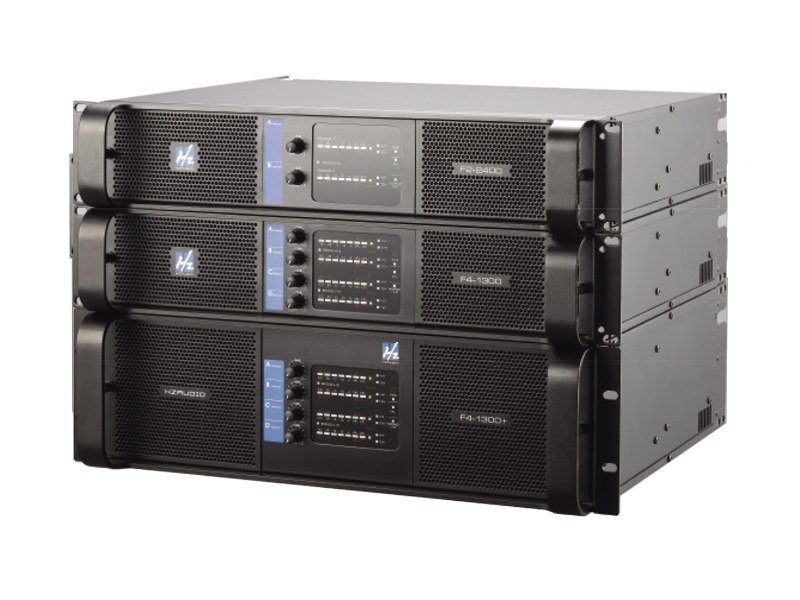
3. **Amplifiers**: Boost the audio signal for the speakers.
4. **Speakers**: Convert the amplified audio signal into sound waves.
Understanding these components will provide a solid foundation for your system's setup.
Essential Tools and Equipment for Audio Setup
The right tools and equipment are vital for an effective live sound setup. Below is a list of **essential** items you'll need:
1. Sound Mixer
A sound mixer allows you to control the volume, tone, and effects of each audio source. Look for one with multiple channels to accommodate various inputs.
2. Speakers
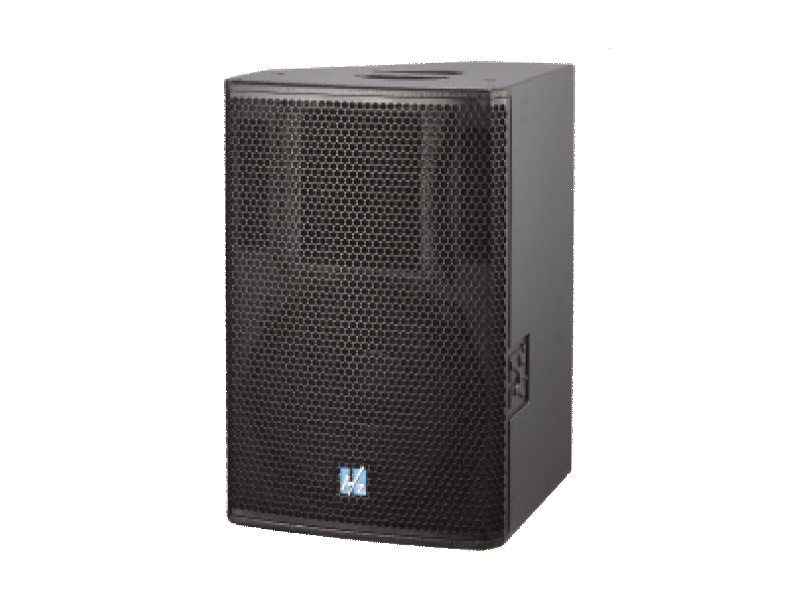
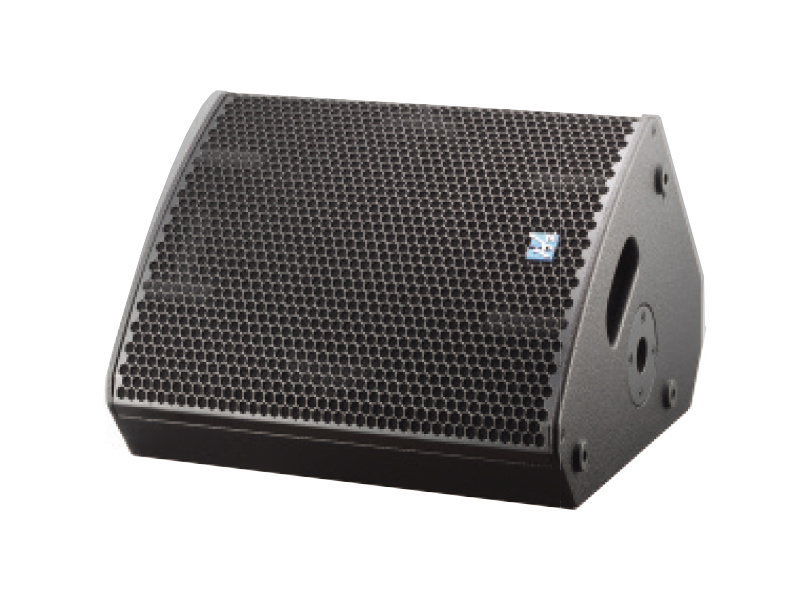
Choose speakers that match the size of your venue. For smaller spaces, powered speakers might suffice, while larger venues may require passive speakers with separate amplifiers.
3. Microphones
Opt for dynamic microphones for vocals and condenser microphones for instruments. Wireless options provide flexibility.
4. Cables and Connectors
High-quality XLR and 1/4" cables ensure reliable connections between all components.
5. Speaker Stands
Utilizing stands elevates your speakers, allowing for better sound dispersion throughout the venue.
6. Equalizer
An equalizer helps adjust the frequency response of your sound system, enhancing clarity and reducing feedback.
Step-by-Step Instructions for Setting Up Your Live Sound Speakers
Now that we've covered the essentials, let's get into the detailed steps for setting up your live sound speakers.
Step 1: Scout Your Venue
Before setting anything up, take the time to assess your venue. Identify potential obstacles, such as walls, furniture, and audience layout, which can affect sound quality. Take note of electrical outlets and plan your speaker placement accordingly.
Step 2: Position Your Speakers
Proper speaker placement is crucial for achieving high-quality sound. Follow these guidelines:
- **Distance from Walls**: Position speakers at least 1 foot away from walls to prevent sound reflections.
- **Angle Towards Audience**: Angle speakers inwards so that they point towards the audience for optimal sound distribution.
- **Height**: Elevate speakers using stands, ensuring that the sound reaches the audience effectively.
Step 3: Set Up the Mixer
Place your mixer in a location that allows easy access during the event. Connect your microphones and instruments to the mixer, ensuring that each input is appropriately labeled for quick adjustments.
Step 4: Connect the Speakers to the Mixer
Use quality cables to connect the mixer’s outputs to the speakers. If you're using powered speakers, they can connect directly to the mixer. For passive speakers, connect them to the amplifier first.
Step 5: Power Everything On
Once all connections are made, power up your mixer, speakers, and any additional equipment. Make sure to turn on the mixer before the speakers to avoid popping sounds.
Step 6: Perform Sound Checks
Conduct a sound check to ensure all levels are balanced. Adjust the mixer settings, checking for feedback and ensuring clarity across all audio sources. Walk around the venue to gauge sound quality from different locations.
Speaker Placement and Configuration Tips
The way you place and configure your speakers can significantly impact sound quality. Here are some **advanced tips** to further enhance your setup:
1. Use Subwoofers for Bass Enhancement
If your event requires deep bass, consider adding subwoofers to your setup. Position them strategically in corners to maximize bass response.
2. Avoid Feedback Loops
To prevent feedback, keep microphone placement away from speaker output and utilize directional microphones.
3. Utilize Delay Speakers for Large Venues
In larger venues, consider using delay speakers to ensure sound reaches the audience uniformly, particularly in the back rows.
Connecting and Testing Your Sound System
Once the physical setup is complete, it’s time to connect all components and perform thorough testing:
1. Check All Connections
Double-check all cable connections for secure fittings. Loose cables can lead to audio dropouts.
2. Test Each Component Individually
Before the event, test each microphone and instrument to ensure they are functioning correctly. Adjust levels on the mixer as needed.
3. Monitor During the Event
Assign someone to monitor sound levels throughout the event to make adjustments on the fly if necessary.
Common Mistakes to Avoid When Setting Up Sound
Setting up a live sound system can be tricky. Here are some common pitfalls to avoid:
1. Not Testing Equipment Beforehand
Always perform sound checks well before the audience arrives to troubleshoot any issues.
2. Overloading the Mixer
Avoid pushing the mixer volume levels too high, as this can cause distortion and damage to equipment.
3. Ignoring Acoustics
Every venue has unique acoustics. Take the time to understand how sound interacts with the space and adjust your setup accordingly.
Maintaining Your Live Sound System
After the event, proper maintenance ensures longevity and reliability of your sound equipment:
1. Clean and Store Equipment Properly
After use, clean your microphones, cables, and mixer. Store them in a cool, dry place to prevent damage.
2. Regularly Inspect Cables
Check cables for wear and tear regularly. Replace damaged cables immediately to avoid issues during future events.
3. Update Software and Firmware
If your mixer or speakers have software or firmware updates, install them to benefit from improvements and features.
Conclusion
Setting up live sound speakers may seem daunting at first, but with the right knowledge and preparation, you can achieve spectacular audio quality for any event. From understanding the basics of audio components to executing a flawless setup and maintenance plan, we hope this guide empowers you to master the art of live sound. Remember, **practice makes perfect**—the more you set up your sound system, the more intuitive the process will become.
FAQs About Live Sound Setup
1. What size speakers do I need for my venue?
The size of the speakers depends on the venue size. For small venues, powered speakers usually suffice, while larger venues may require larger passive speakers with amplifiers.
2. How do I prevent feedback during a live performance?
To prevent feedback, ensure microphones are placed away from speakers, and use directional microphones to minimize feedback risk.
3. Should I use wireless or wired microphones?
Wireless microphones offer flexibility and freedom of movement, while wired microphones typically provide more reliable connections and sound quality.
4. How often should I perform maintenance on my sound system?
Regular maintenance should be performed after each event, with thorough inspections and cleaning scheduled monthly.
5. Can I set up a live sound system on my own?
Yes, many individuals successfully set up their own live sound systems. However, prior experience and understanding of audio equipment will make the process easier.
By following the detailed steps and tips in this article, you will be well on your way to achieving stunning sound quality for your live events, ensuring an unforgettable experience for your audience.

CONTACT
Hzaudio Office Address: 16 st joins ave, mont Albert, Vic 3127, Australia
Hzaudio Lab Address: No. 455, Fuyi Road, Dalong Street, Panyu District, Guangzhou, China
Tel: +86 20-34882578 Cell:+86 18620144731
E-mail: sale@hzaudio.com
Follow Us On Wechat!