

How to Connect Your Stage Monitor Speakers Effectively: A Comprehensive Guide
How to Connect Your Stage Monitor Speakers Effectively: A Comprehensive Guide Table of Contents Understanding Stage Monitor Speakers The Importance of Stage Monitoring Types of Stage Monitors: Which One to Choose? Essential Equipment for Connecting Stage Monitors Step-by-Step Guide to Connecting Stage Monitors Common Issues When Connecting Stage Monitors Tips for Optim
Sep 15,2026
How to Connect Your Stage Monitor Speakers Effectively: A Comprehensive Guide
Table of Contents
- Understanding Stage Monitor Speakers
- The Importance of Stage Monitoring
- Types of Stage Monitors: Which One to Choose?
- Essential Equipment for Connecting Stage Monitors
- Step-by-Step Guide to Connecting Stage Monitors
- Common Issues When Connecting Stage Monitors
- Tips for Optimizing Sound Quality
- Frequently Asked Questions (FAQs)
Understanding Stage Monitor Speakers
Stage monitor speakers are specialized audio devices designed to provide performers with a real-time audio feed of the music they are playing. Unlike traditional loudspeakers, which direct sound toward the audience, stage monitors are angled towards the musicians, allowing them to hear themselves and other performers clearly. Understanding the role of these speakers is crucial for any live performance, as they directly affect the performance quality and audience experience.
The Importance of Stage Monitoring
Effective stage monitoring is essential for several reasons:
1. **Hearing Clarity**: Performers need to hear their instruments and vocals clearly to stay in tune and in time.
2. **Performance Confidence**: Adequate monitoring boosts performer confidence, allowing them to focus on delivering an exceptional show.
3. **Sound Balance**: Monitors help performers balance their sound with other instruments, creating a cohesive audio experience.
4. **Audience Experience**: When performers are confident in what they hear, they are more likely to engage and entertain the audience effectively.
Types of Stage Monitors: Which One to Choose?
Choosing the right type of stage monitor speaker is essential for achieving optimal sound. Here are the primary types:
1. Floor Monitors
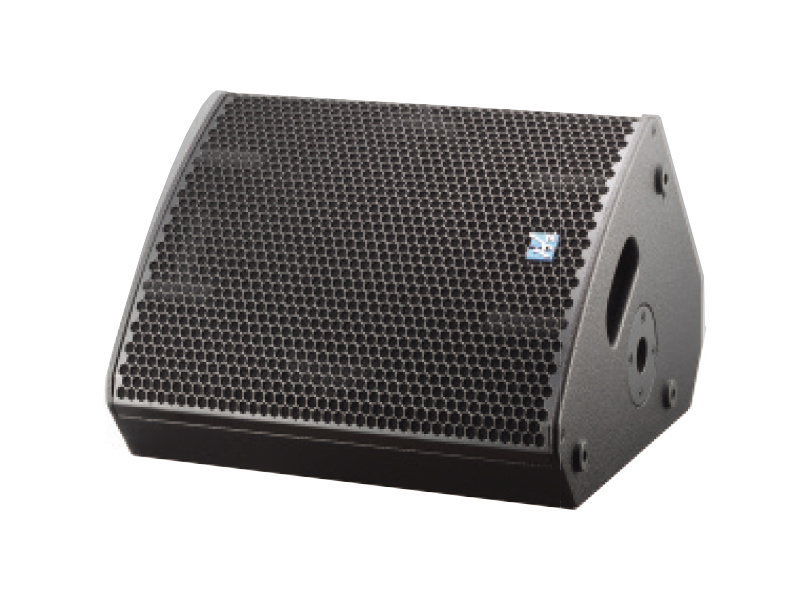
Floor monitors are the most common type, designed to sit on the floor at an angle that directs sound towards the performers. They come in various sizes and power ratings, making them versatile for different performance environments.
2. In-Ear Monitors (IEMs)
In-ear monitors consist of earphones that provide a direct audio feed to the performer. They are highly effective in reducing stage noise and can be customized to fit the performer's ears. IEMs are preferred for touring musicians as they offer portability and flexibility.
3. Side Fill Monitors
Side fill monitors are larger speakers placed at the sides of the stage to provide a broad sound coverage. They are particularly useful for larger stages where floor monitors may not be sufficient.
Essential Equipment for Connecting Stage Monitors
To connect your stage monitor speakers effectively, you will need the following equipment:
1. Mixer Console
A mixer console allows you to control the audio signals from various instruments and microphones. It plays a vital role in adjusting levels, panning, and EQ settings to ensure the best sound quality.
2. Amplifier
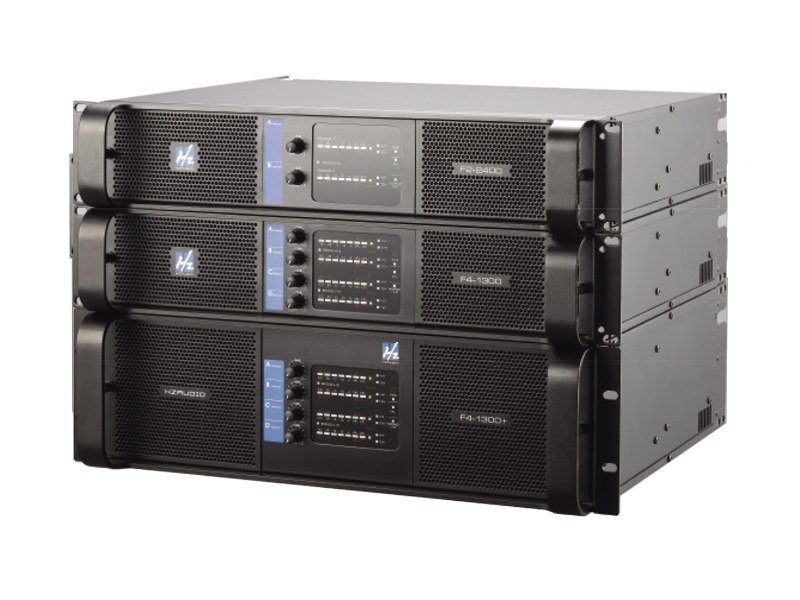
An amplifier powers your stage monitors, boosting the signal from the mixer to a level adequate for performance. Depending on your monitors' specifications, you may need a dedicated amplifier.
3. Cables
High-quality audio cables are crucial for connecting all components. XLR cables are commonly used for microphones, while 1/4-inch TRS or TS cables are typically used for connecting monitors to the mixer or amplifier.
4. Audio Interface (Optional)
If you're using a computer for mixing, an audio interface can help route audio signals effectively between your computer, mixer, and monitors.
Step-by-Step Guide to Connecting Stage Monitors
Connecting your stage monitor speakers effectively involves several steps. Follow this guide to ensure a smooth setup:
Step 1: Position Your Monitors
Place the monitors on the floor at an angle that directs sound towards the performers. Ensure they are in a stable position and free from obstructions.
Step 2: Connect the Mixer to the Monitors
Using appropriate cables, connect the output of the mixer to the inputs of the monitor speakers. If you're using powered monitors, connect them directly to the mixer. For passive monitors, connect them to an amplifier, which is then connected to the mixer.
Step 3: Set Up the Mixer
Adjust the mixer settings to balance the sound levels for each channel. Use the monitor send outputs to control the audio fed to the monitors, ensuring the performers can hear each instrument clearly.
Step 4: Test the Sound
Conduct a sound check by playing all instruments and vocals. Adjust levels on the mixer to achieve a harmonious balance between the monitor mix and the main output.
Step 5: Monitor Adjustments
During the performance, performers may need to make adjustments to their monitor sound. Encourage communication between the performers and the sound engineer to fine-tune audio levels as needed.
Common Issues When Connecting Stage Monitors
Even with careful planning, issues can arise when connecting stage monitors. Here are some common problems and their solutions:
1. Feedback
Feedback occurs when the microphone picks up sound from the monitors, creating a loop. To minimize feedback, position microphones away from the monitors and adjust EQ settings on the mixer.
2. Inconsistent Sound Levels
Inconsistent levels can disrupt a performance. Regularly check the mixer settings and communicate with performers to ensure their monitor mixes are suitable.
3. Wiring Issues
Faulty cables can lead to audio dropouts. Regularly inspect your cables for damage and replace them as necessary to maintain sound quality.
Tips for Optimizing Sound Quality
To ensure the best sound from your stage monitor speakers, consider the following tips:
1. Use Quality Equipment
Invest in high-quality mixers, amplifiers, and speakers. Quality equipment significantly enhances audio performance.
2. Proper EQ Settings
Utilize the equalization settings on your mixer to adjust frequencies that may be problematic. Cutting unnecessary low frequencies can help reduce muddiness in the sound.
3. Regular Maintenance
Keep your equipment clean and well-maintained. Regularly inspect your cables and connections to prevent issues during performances.
4. Communicate with Performers
Encourage performers to provide feedback about their monitor sound. Their insights can guide adjustments to achieve a better mix.
Frequently Asked Questions (FAQs)
1. What is the ideal placement for stage monitor speakers?
The ideal placement is on the floor at an angle directed towards the performers. They should be stable and free from obstructions.
2. How do powered monitors differ from passive monitors?
Powered monitors have built-in amplifiers, while passive monitors require an external amplifier to function.
3. Can I use the same mixer for main speakers and monitors?
Yes, many mixers have separate outputs for main speakers and monitors, allowing you to control both mixes independently.
4. How can I prevent feedback during a performance?
To prevent feedback, position microphones away from the monitors and adjust EQ settings to minimize problematic frequencies.
5. Is in-ear monitoring better than floor monitors?
In-ear monitors offer better noise isolation and portability, but the choice depends on personal preference and the performance environment.
Conclusion
Connecting stage monitor speakers effectively is crucial for delivering an exceptional live performance. Understanding the different types of monitors, using quality equipment, and following a systematic approach to connection will enhance the overall audio experience for both performers and the audience. By addressing common issues and optimizing sound quality, you can create a seamless and engaging performance environment. Now that you're equipped with this comprehensive guide, you're ready to elevate your stage sound to the next level!
PREVIOUS:

CONTACT
Hzaudio Office Address: 16 st joins ave, mont Albert, Vic 3127, Australia
Hzaudio Lab Address: No. 455, Fuyi Road, Dalong Street, Panyu District, Guangzhou, China
Tel: +86 20-34882578 Cell:+86 18620144731
E-mail: sale@hzaudio.com
Follow Us On Wechat!